ASUS ROG Swift OLED PG32UCWM Review – 4K 240Hz and 1080p 480Hz in One Stunning Panel
Affiliate disclosure: some links in our reviews may be affiliate links. If you buy through them we may earn a commission at no extra cost to you. Our verdicts are never influenced by partners.
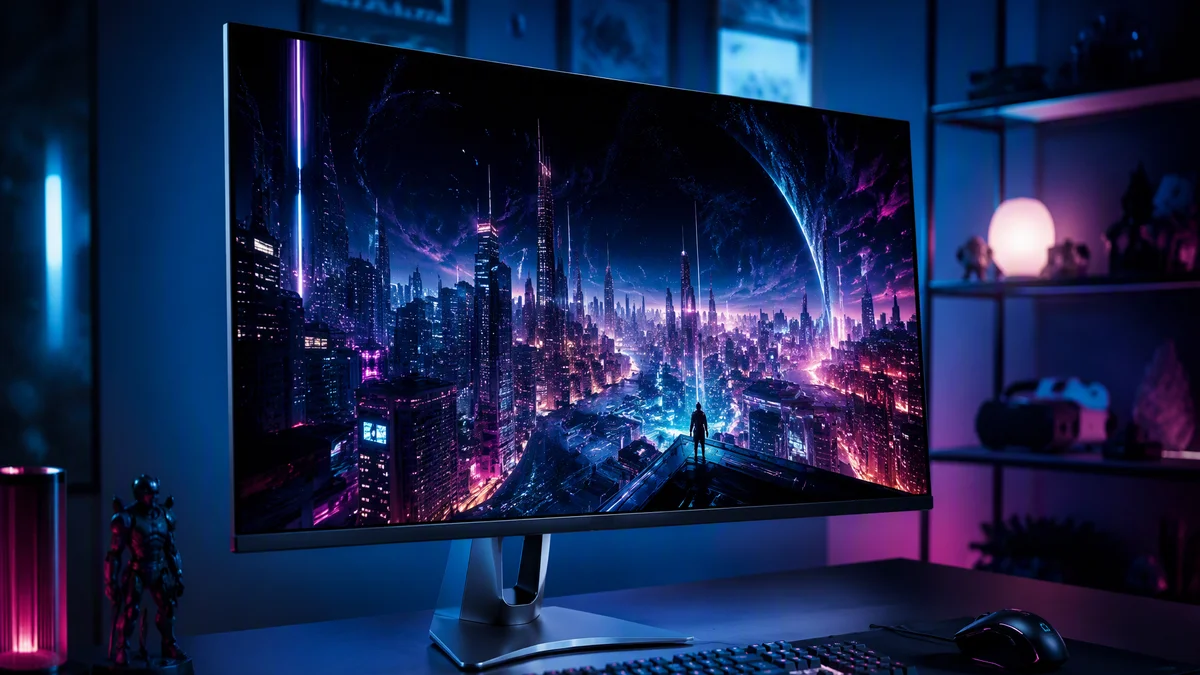
The eternal gaming monitor compromise used to be resolution versus speed: a gorgeous 4K panel for cinematic games, or a blistering high-refresh display for competitive play, but never both on one desk. The ASUS ROG Swift OLED PG32UCWM ends the argument. It is a 32-inch 4K Tandem RGB OLED that runs at 240Hz natively, then flips to 1080p at 480Hz with a toggle, and it wraps the trick in the best-looking OLED panel technology we have seen.
Key Takeaways
- Dual mode design: true 4K at 240Hz, or 1080p at a competitive-grade 480Hz.
- Tandem RGB OLED panel with TrueBlack Glossy coating and 27 percent more color volume than previous WOLED.
- GaNFET power supply cuts heat dramatically, with ASUS claiming around 25 percent longer panel lifespan.
- DisplayPort 2.1a UHBR20 with full 80Gbps bandwidth, HDMI 2.1 and 90W USB-C charging.
Tandem RGB OLED, explained
The PG32UCWM’s panel matters as much as its speed. Traditional white OLED gaming panels use a white light source with color filters, which costs brightness and color volume. This Tandem RGB OLED uses actual red, green and blue OLED emitters in a proper RGB stripe layout, stacked in tandem layers for brightness. The result is color volume that ASUS rates at 27 percent larger than previous WOLED panels, with the per-pixel light control and effectively instant response that make OLED the technology to beat.
Just as important for daily life is the TrueBlack Glossy coating. Earlier glossy OLEDs looked sensational in dark rooms and washed out near windows. This coating keeps the deep-black pop of a gloss finish while fighting the ambient light lift that plagued the first glossy generations. In our mixed-lighting office, blacks stayed convincingly black where older panels went gray-purple.
Specs at a glance
| Specification | ROG Swift OLED PG32UCWM |
|---|---|
| Panel | 32-inch Tandem RGB OLED, RGB stripe |
| Resolution modes | 4K at 240Hz or 1080p at 480Hz |
| Response time | 0.3ms GTG |
| Coating | TrueBlack Glossy |
| Connectivity | DisplayPort 2.1a UHBR20 (80Gbps), HDMI 2.1, USB-C with 90W PD |
| Power design | GaNFET power supply, around 35 percent less heat at the hottest point |
| Lifespan measures | Neo Proximity sensor with 5-level sensitivity, Auto Away Timer, OLED care suite |
| Extras | KVM-friendly USB hub, ROG gaming AI features |
Two monitors, one stand
- 4K 240Hz mode drives cinematic games with per-pixel HDR and zero visible ghosting.
- 480Hz mode delivers esports-grade motion clarity that has to be seen to be believed.
- Input latency in the high-speed mode is at the level of dedicated tournament monitors.
- DisplayPort 2.1 UHBR20 runs 4K 240Hz without display stream compression compromises.
Living with the dual mode is revelatory. Story games and anything with ray tracing get the full 4K treatment, and 240Hz is fast enough that motion never feels like the compromise it once was at this resolution. Then a ranked session starts, you flip to 1080p 480Hz, and the monitor transforms into an esports weapon with motion clarity that matches the best dedicated competitive panels. A strong GPU, think the class of card in our ROG Strix RTX 5070 Ti review, makes the most of both personalities.
The lifespan question, answered
Burn-in anxiety still haunts OLED shopping threads, and ASUS is attacking it with engineering rather than reassurance. The GaNFET-based power design wastes dramatically less heat at the system’s hottest point, and since heat is the enemy of OLED longevity, ASUS estimates around 25 percent longer panel life than previous generations. The improved Neo Proximity sensor detects when you step away, with adjustable sensitivity and an Auto Away Timer, dimming the panel the moment you leave. Combined with the now-standard pixel refresh and screen move features, this is the most complete durability package we have seen on a gaming OLED.
The competition and the cost
The OLED monitor market has exploded, with shipments up massively year over year, and the 27-inch 1440p sweet spot is now brutally competitive on price. The PG32UCWM plays a different game: it is a flagship for buyers who want one screen to be every screen. If your desk serves a single purpose, a specialist display will cost less. If your desk serves every purpose, the math gets friendlier fast. Our AOC Q27G4ZDP review shows what the value end of the new WOLED generation offers if budget leads your decision.
The verdict
KVM and the single-cable dream
The 90W USB-C port turns the PG32UCWM into a credible docking station for a work laptop: one cable drives the display at full speed, charges the machine, and connects peripherals plugged into the monitor’s USB hub. With the built-in KVM, a single keyboard and mouse can serve both your gaming desktop and your work laptop, switching with a button press. For hybrid workers who game at the same desk they work from, this feature alone can justify the premium over cheaper panels.
ASUS also offers a 27-inch sibling, the PG27UCWM, with an identical panel technology and dual-mode trick in a smaller footprint. If 32 inches is more monitor than your desk or your eyes want, the smaller model loses nothing but size.
Full specifications are on the official ROG monitors page.
One monitor to replace them all
What we loved
- 4K 240Hz and 1080p 480Hz in a single panel, both excellent
- Tandem RGB OLED color and TrueBlack Glossy blacks are stunning
- Real engineering against burn-in: GaNFET cooling, smart proximity sensing
- Full-bandwidth DisplayPort 2.1 and 90W USB-C
What needs work
- Flagship pricing in a market with cheaper OLEDs than ever
- 1080p mode on a 32-inch panel looks soft up close
- Glossy finish still demands some lighting discipline
The PG32UCWM is the monitor for people tired of choosing. It is a cinema display, a competitive weapon and a creator canvas, and it is engineered to stay that way for years. Expensive, yes. Worth it, if your desk does everything. Read our review methodology for how we test displays.
Torn between this and a cheaper 27-inch OLED? Ask the team for a straight recommendation.

Alex Mercer is the managing editor of Tech News Xplore. A hardware journalist for over a decade, he has benchmarked more CPUs, GPUs and handhelds than he can count, and leads the publication's testing methodology and editorial standards.
1 reader comment