Windows 11’s Weather app eats more than 1GB of RAM to tell you it might rain
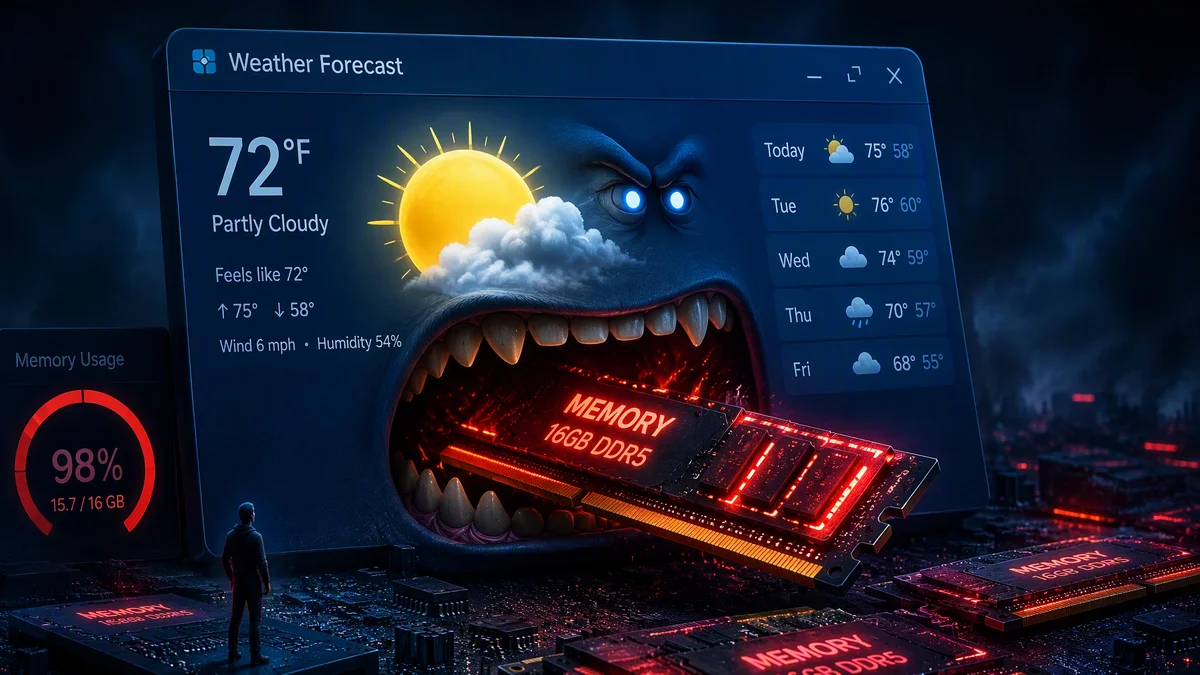
There is an app on your Windows 11 PC whose entire job is showing you a cloud icon and a number, and it consumes more memory than some games. Testing by Windows Latest found the built-in Weather app blowing past 1.2GB of RAM just by opening, and spiking to 1.6GB once you start clicking around. The reason tells you everything about where Windows development is right now.
Key Takeaways
- Windows 11’s Weather app uses over 1.2GB of RAM on open and up to 1.6GB in use.
- The app is a WebView2 wrapper running nine separate Chromium-based sub-processes.
- macOS’s native Weather app does the same job in roughly 246MB, about a fifth of the memory.
- The Windows version also slots sponsored ad tiles directly into the forecast grid.
The autopsy: it is a website in a trenchcoat
Expand the Weather app’s process tree in Task Manager and the mystery solves itself: nine separate Chromium-based sub-processes, because the app is not really an app. It is MSN Weather, a website, wrapped in Microsoft’s WebView2 container and shipped as a system component. Every tab-like sub-process carries its own rendering overhead, its own JavaScript heap, its own slice of your memory, and together they add up to a gigabyte-plus for information your phone delivers in a widget.
The comparison that stings comes from the other side of the aisle. Apple’s native Weather app on macOS reportedly does the identical job in about 246MB, roughly a fifth of the footprint, with no advertising. The Windows version, meanwhile, finds room in that gigabyte for sponsored tiles embedded directly in the forecast grid. You are paying a memory tax for ads about a service you did not choose to install.
Why Microsoft keeps shipping web wrappers
The engineering logic is not crazy, which is what makes the outcome so frustrating. WebView2 lets one team ship the same content to Windows, web and elsewhere without maintaining a native codebase, and for content-heavy apps the trade can be defensible. The problem is that nobody appears to be grading the result. A wrapped web app that consumed 150MB would be a fine compromise; one that consumes 1.2GB is a decision nobody reviewed, and it ships on every Windows 11 machine by default.
The timing could not be worse
This lands in the middle of a genuine memory crisis. RAM prices have been distorted by AI demand, laptop makers are shipping 8GB and 16GB machines again, and Microsoft itself has been quietly retuning Windows guidance away from 32GB recommendations, a shift we covered in our reporting on AI-driven memory costs hitting consumer hardware. Against that backdrop, the operating system spending over a gigabyte on a weather widget is not a quirk; it is a contradiction.
The WebView2 habit, examined fairly
To be clear, WebView2 itself is not the villain. Microsoft’s embedded browser runtime is a legitimate tool, and plenty of well-behaved apps use it without drama: the wrapper adds overhead, but sane implementations keep it to a couple of processes and a few hundred megabytes. The Weather app’s failure is not the technology choice but the absence of any apparent performance budget. Nobody set a number, so the number became 1.2GB.
That is the real lesson for how big software organizations drift. Each individual decision, wrap the web app, add a feature, embed a content module, is defensible in isolation. The catastrophe is cumulative, and it only becomes visible when someone outside the team runs Task Manager and publishes the screenshot. Modern development needs performance budgets the way it needs unit tests: an agreed ceiling that fails the build when exceeded.
What the widget board is doing while you sleep
The damage is not limited to opening the app. The Widgets board keeps its content providers warm in the background, which means Weather’s Chromium processes can be resident, consuming memory and waking periodically, whether you ever look at a forecast or not. On an 8GB machine, that background residency is the difference between a snappy system and one that pages to disk during a video call.
What you can actually do about it
The fixes are mercifully simple. Unpin Weather from your taskbar and widgets board, and it stops pre-loading its Chromium entourage. Uninstall it outright from the app list if you want it gone; Windows survives the loss. Your browser, your phone or a dedicated lightweight app will deliver the same forecast for a rounding error of the memory. And if you are on an 8GB laptop, this is one of the single largest memory wins available: twelve percent of your total RAM, reclaimed from a cloud icon.
For the broader pattern of software bloat meeting constrained hardware, the memory math in our AI infrastructure coverage explains the supply side of why RAM is suddenly precious again.
There is a broader accountability question underneath the mockery. Windows ships to over a billion devices, and every inefficient default component multiplies across that install base: a gigabyte here, a background process there, repeated across Weather, News, and the rest of the widget stable. At planetary scale, software bloat is not just an annoyance but an energy and hardware-cost issue. Efficiency audits of default apps would pay for themselves faster than almost any other engineering investment Microsoft could make.
If there is a silver lining, it is that this kind of exposure works. Public benchmarks of embarrassing resource usage have historically been one of the few forces that reliably get platform vendors to fix defaults. The Weather app has now been measured, named and shamed across the tech press, which makes a leaner replacement far more likely in a future update than it was last month.
Windows component documentation lives on Microsoft’s official site; the RAM testing comes from Windows Latest.
The bottom line
A gigabyte of RAM for a weather forecast is not a bug; it is an unexamined architectural habit, shipped at OS scale, during a memory shortage. The fix on your machine takes thirty seconds: unpin, uninstall, move on. The fix inside Microsoft will take longer, and the Weather app just became the Exhibit A for why it is needed.
What is the worst resource hog on your PC? Tell the tech desk.

Alex Mercer is the managing editor of Tech News Xplore. A hardware journalist for over a decade, he has benchmarked more CPUs, GPUs and handhelds than he can count, and leads the publication's testing methodology and editorial standards.